How to Upskill Your Team on AI Without Creating Fear, Resistance, or Burnout
AI adoption works when employees receive practical support, relevant practice, and room to build confidence—not simply another tool and a deadline.
AI is showing up in job descriptions faster than most teams can keep up.
Roles now “prefer” or “require” AI experience, but there is not always clarity on what that actually looks like in day-to-day work. Employees are being asked to use AI, improve productivity, and make better decisions without much guidance on how to do that well.
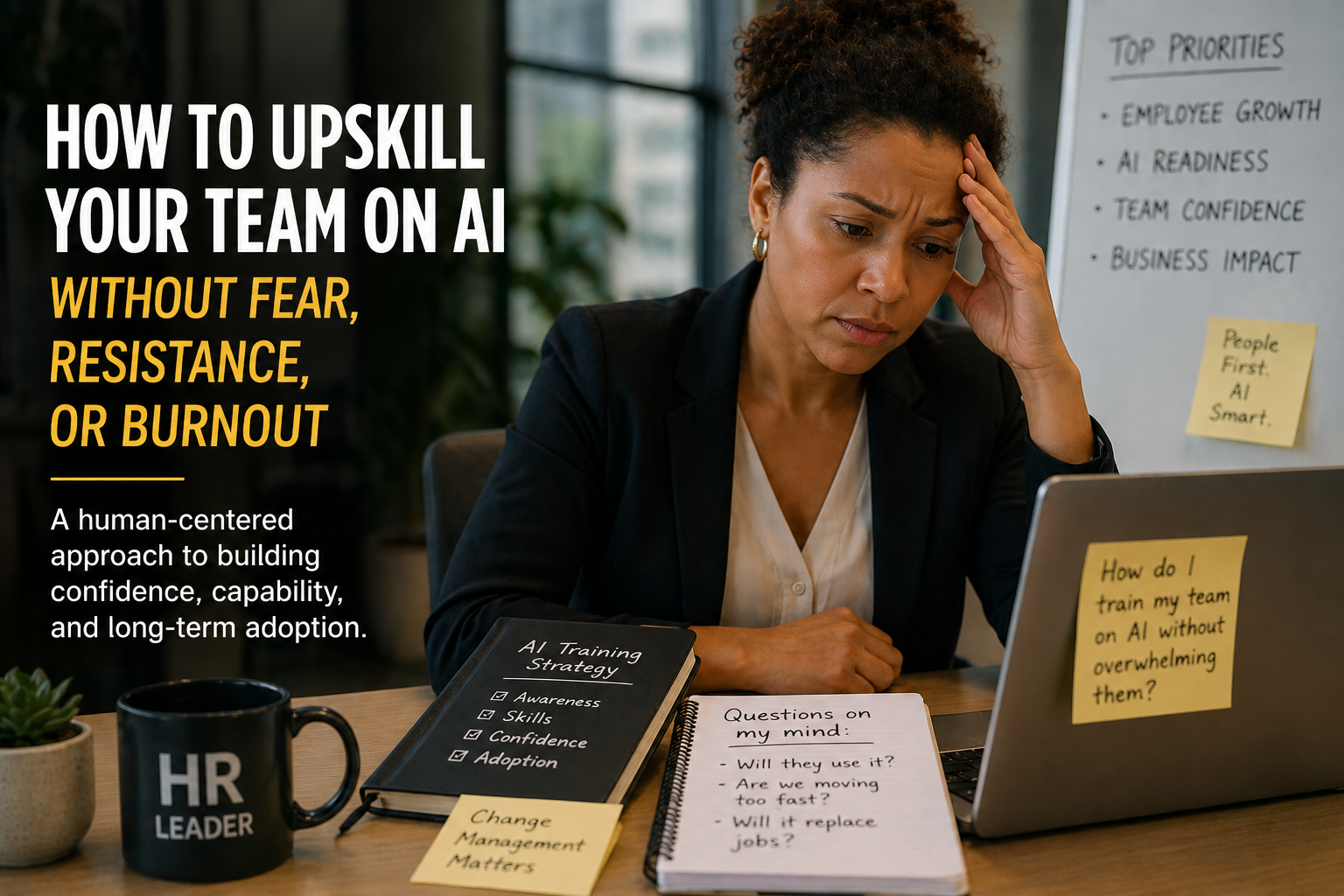
Access is not the same as adoption.
In many organizations, AI tools arrived first and training came later—if it came at all. Expectations shifted before employees had a safe way to learn.
The hesitation is often rational.
Some estimates say as many as 94% of AI pilots are not delivering expected results. That is usually not a tool problem. It is a rollout problem.
What I see more often than resistance is hesitation. People are not always pushing back. They are unsure where AI fits, what is permitted, or how to use it without getting it wrong.
When the path is unclear, people fall back on what they already know. This is why the challenge is less about technology and more about how teams are supported through change.
Start with real work—not abstract use cases.
What tends to work is grounding AI in familiar responsibilities: writing, analysis, communication, recruiting, customer service, reporting, and planning.
When people can see where AI actually helps, it becomes easier to use. When there is space to learn without pressure, confidence builds much faster.
Practice with tasks employees already perform and understand.
Let people learn without feeling that every attempt is being graded.
Good enablement includes verification, privacy, bias, and escalation.
Confidence grows through repeated practice—not a single demonstration.
What practical AI training should include.
Most training misses the mark because it is either too technical or too broad. What tends to land better is practical: what good looks like, what to watch for, and how to apply AI in everyday tasks.
Clarify the need
Identify the work employees are trying to improve before introducing a tool.
Demonstrate in context
Show AI inside a realistic workflow using language the team already understands.
Practice with guidance
Give employees a low-risk task, examples, and immediate feedback.
Add responsible-use guardrails
Explain privacy, verification, human review, and when to escalate.
Measure confidence and usefulness
Track whether people can apply the skill—not simply whether they attended.
Adoption should feel supported—not forced.
When teams are supported this way, adoption starts to happen more naturally. AI becomes part of the workflow instead of something that feels imposed from above.
At Rocky Phoenix AI, the focus is on helping teams make that shift in a way that actually works: keeping humans at the center, grounding everything in real workflows, and building practical skills teams can use right away.
AI itself is not the issue. How it is introduced—and how people are supported—makes the difference.
Build AI capability without overwhelming your team.
Rocky Phoenix AI designs approachable workshops, practical enablement programs, and responsible-use guidance for HR, recruiting, and non-technical teams.
Explore AI enablement Discuss your team’s needs